50th Birthday Wishes: 8 Meaningful Templates
Finding the right words for a 50th birthday can feel oddly difficult. You want to honour a major milestone without making the message sound like a


Sep 17, 2026 | 11 Min Read

You're three hours from a colleague's leaving do, the team is spread across time zones, and the old “please sign the card by lunch” email has produced two messages, one blurry selfie and several people asking where to upload their contribution. A photo collage card maker can solve the design problem, but the challenge is coordination. Without a clear workflow, even a beautiful template becomes a crowded collection of mismatched photos, duplicate messages and last-minute edits.
The most effective group cards treat inviting, reviewing, arranging and delivering as one process. That matters for remote teams, schools, families and community groups across the United Kingdom, United States, Australia, Canada, India and Africa, where contributors may be joining from different devices and schedules.
A remote team can create a stronger farewell card when everyone contributes to one shared object. One person adds a team snapshot, another shares a family memory, and someone else records a short video message. The organiser then reviews the material, removes duplicates and shapes the final layout. The result feels collective, rather than like a standard template carrying one person's text.
The format also fits a long-standing UK card-buying habit. Across the UK, Ireland and the Netherlands, the physical greeting cards market was valued at £2.0bn in 2023. In the UK, it grew from £1.32bn in 2021 to £1.42bn in 2023, according to Moonpig's UK market overview. The overview also estimates 42 million adult card buyers, each purchasing an average of 19 single greeting cards per year, or about 810 million cards overall.
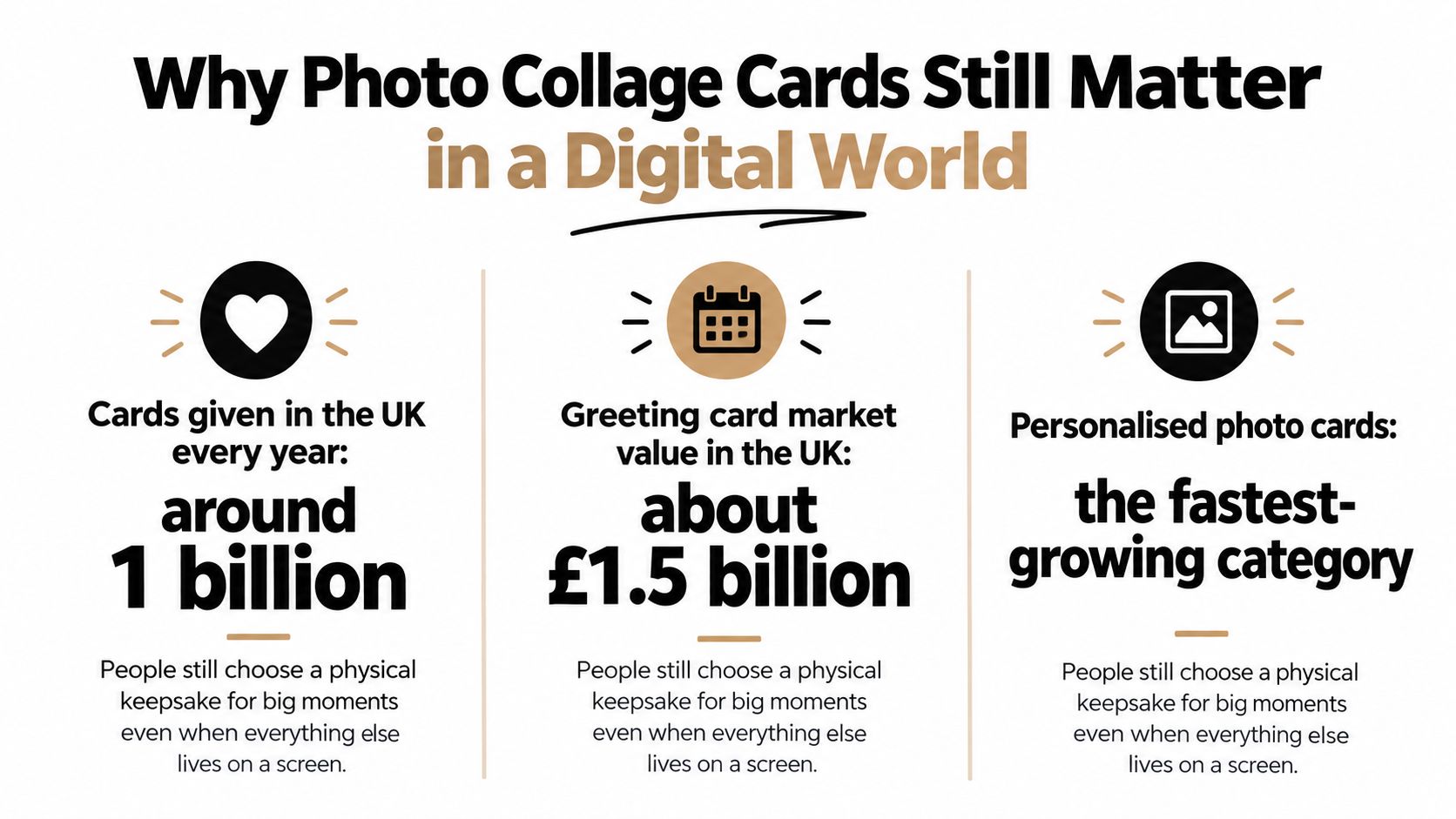
Digital habits have changed delivery without removing the social value of a card. In 2023, online transactions represented 15% of total UK market value and 6% of volume, and 37% of UK adults bought at least one card online, according to the same overview. A group collage combines those behaviours: contributors can respond remotely, while the organiser keeps control of the finished presentation and delivery schedule.
The practical difference between a personal design tool and a collaborative card is ownership of the workflow. One person selecting every image can work for a private card. A shared board works better for a group greeting card, online leaving card, birthday ecard or school thank-you because contributors can add material while one organiser moderates the result. Clear limits on file types, message length and submission time prevent the collage from becoming crowded.
For a closer comparison of physical and digital formats, read this guide to digital greeting cards versus paper cards. Firacard provides a digital board where an organiser can collect photos, GIFs, videos and text through a shareable link, then deliver the finished card immediately or schedule it. That workflow keeps participation open without requiring the organiser to chase signatures or combine files manually.
Start with the occasion, not the collage. A farewell card needs a different visual rhythm from a birthday ecard, an anniversary card or an appreciation board. Choose a template with enough space for the type of contribution you expect, then decide whether the cover should carry one strong image or a small selection that introduces the theme.
Before inviting anyone, gather the basic material. Ask contributors for clear, well-lit photos and give them a simple boundary, such as one image and a short message each. If the card is for a single recipient, keep the cover and closing message focused on that person. If several recipients will receive it, make sure the design and wording work for everyone rather than centring one individual.
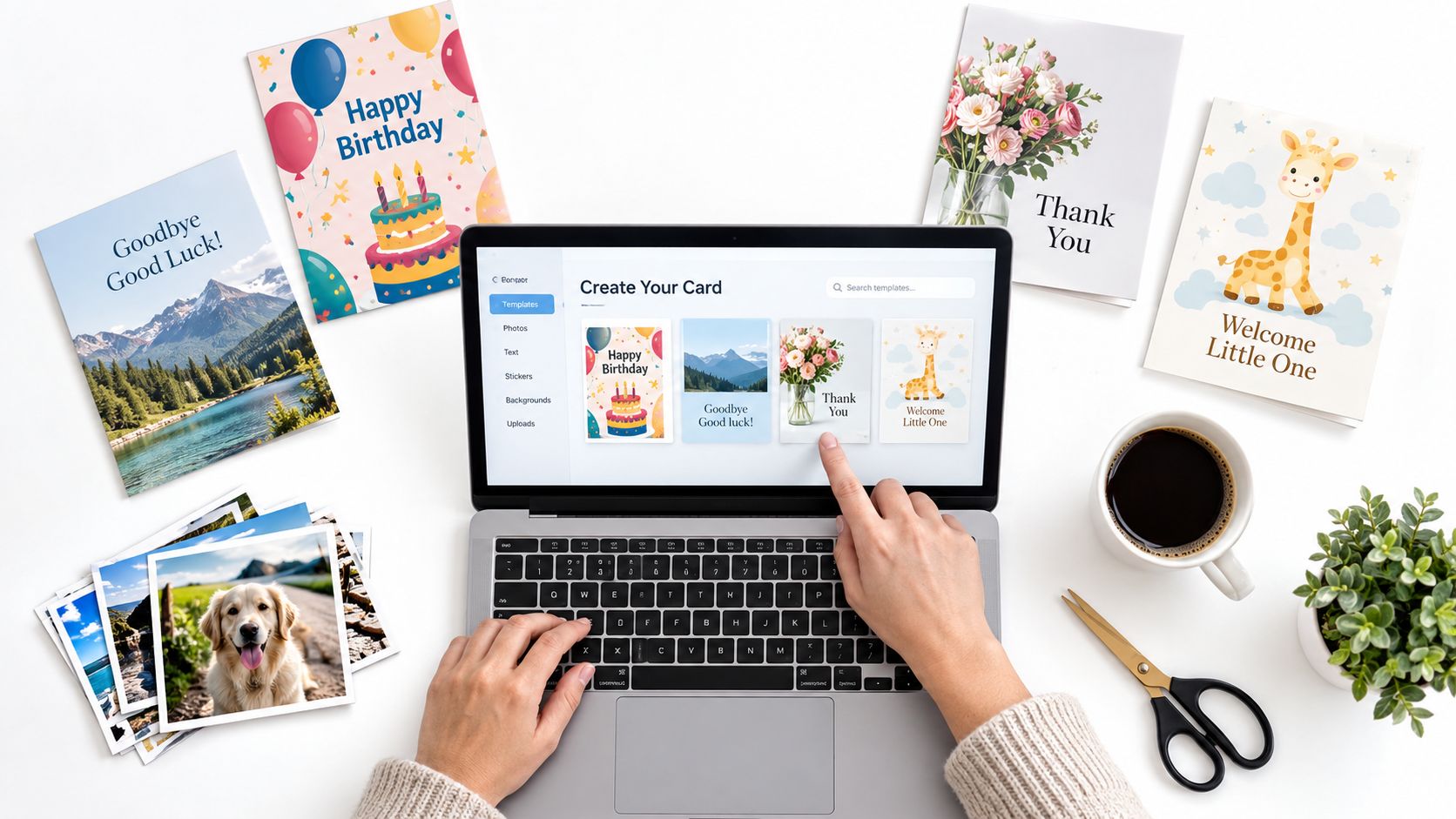
A useful setup sequence is:
A small HR team may need a straightforward farewell layout, while a school or university group may need more contributor capacity and tighter review. Families often benefit from a relaxed board, but they still need a deadline and a person who checks the final sequence.
Paid cards also support an environmental contribution through Firacard's partnership with One Tree Planted.
Practical rule: Choose the plan around participation and governance, not the number of decorative features you might use.
For guidance on preparing mixed visual material before placing it in a card, the client delivery guide 2026 offers useful context. You can also review this walkthrough on creating a group greeting card online before opening the board.
A collage becomes messy when every contribution receives equal visual weight. Start with a focal photo, usually the clearest image of the recipient or group, then build supporting tiles around it. The focal image gives the eye somewhere to land, while smaller photos can show shared moments, behind-the-scenes memories or a timeline.
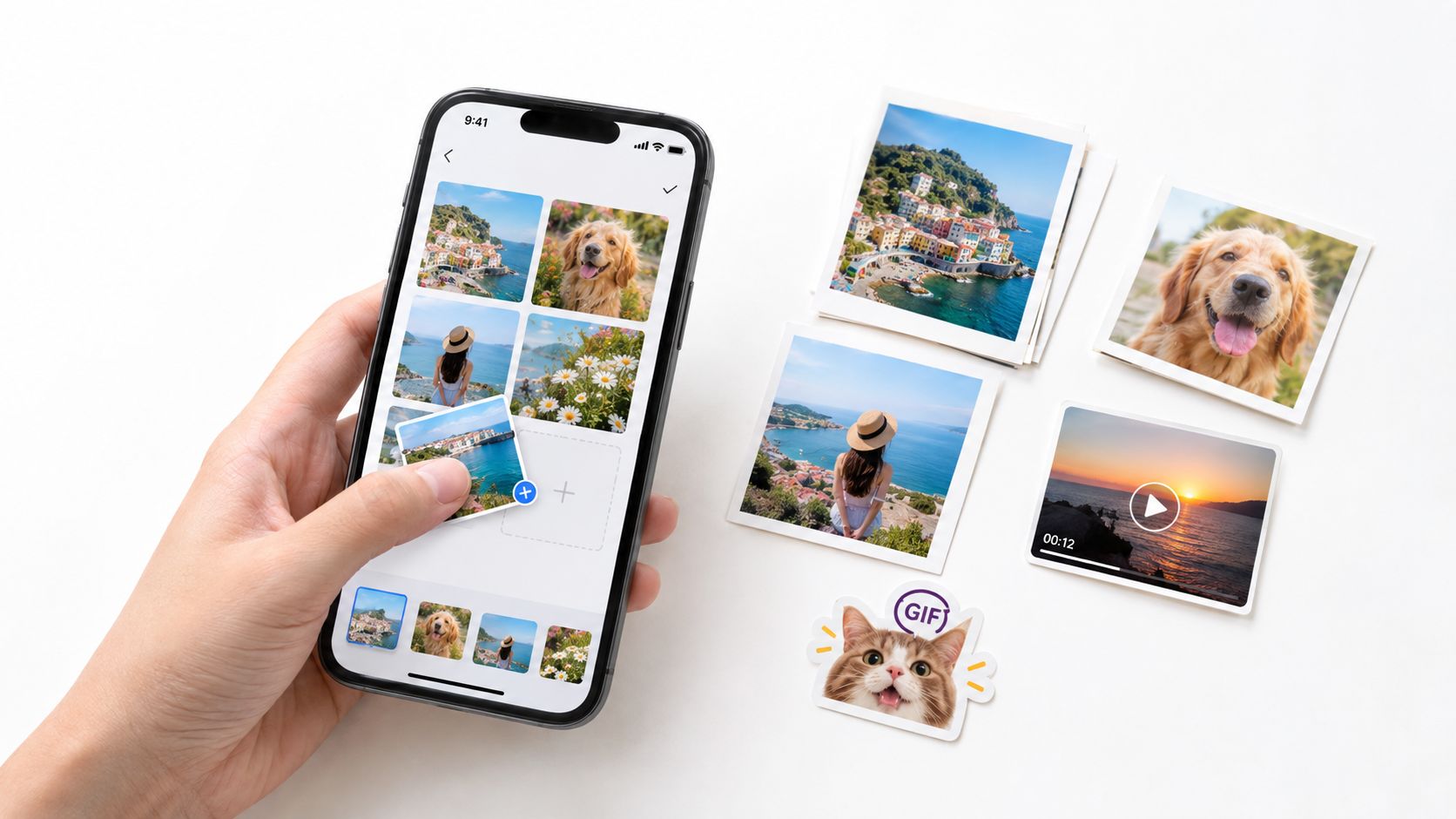
Upload the strongest versions of each image rather than screenshots copied from messaging apps. Check faces near the edges because automatic cropping may remove the subject. A photo that looks fine on a desktop can become unreadable on a phone when reduced to a small tile, so keep important details near the centre and avoid placing essential text inside the image itself.
Group material by theme, relationship or timeline. For a leaving card, you might begin with a team photo, follow with project memories, then finish with personal messages. For a birthday ecard, arrange childhood memories, recent moments and a final celebration image. This creates a sense of movement without needing elaborate effects.
GIFs and videos should add emotion, not compete with every photograph. Use a GIF for a brief reaction or visual joke, and reserve video for messages that benefit from voice, movement or personal delivery. If contributors want to turn still images into a short visual sequence, a tool for generating videos from images may help, but review the result before adding it to the card.
Leave white space around captions and the main message area. Keep captions short enough to scan, use consistent wording where possible, and remove duplicate photos even when several contributors submit similar memories. A good final check is to view the card on both a desktop and a phone, because cramped layouts often reveal themselves only on the smaller screen.
Use this photo upload guide when contributors need help adding files. The organiser should still make the final composition decisions. Collaboration supplies the raw material, while curation makes the card feel deliberate.
The invite link is only the beginning. A group-made card needs lightweight governance, especially when contributors include colleagues, pupils, parents or relatives who don't know one another. People should understand what they can add, what they can edit and when submissions close.
Send one clear message with the occasion, deadline, contribution limit and privacy expectation. A single shareable link reduces friction for phone-only participants, and contributors shouldn't have to learn a complicated design system before adding one photo and a note. If the card contains workplace or school memories, password protection and restricted editing are sensible safeguards.
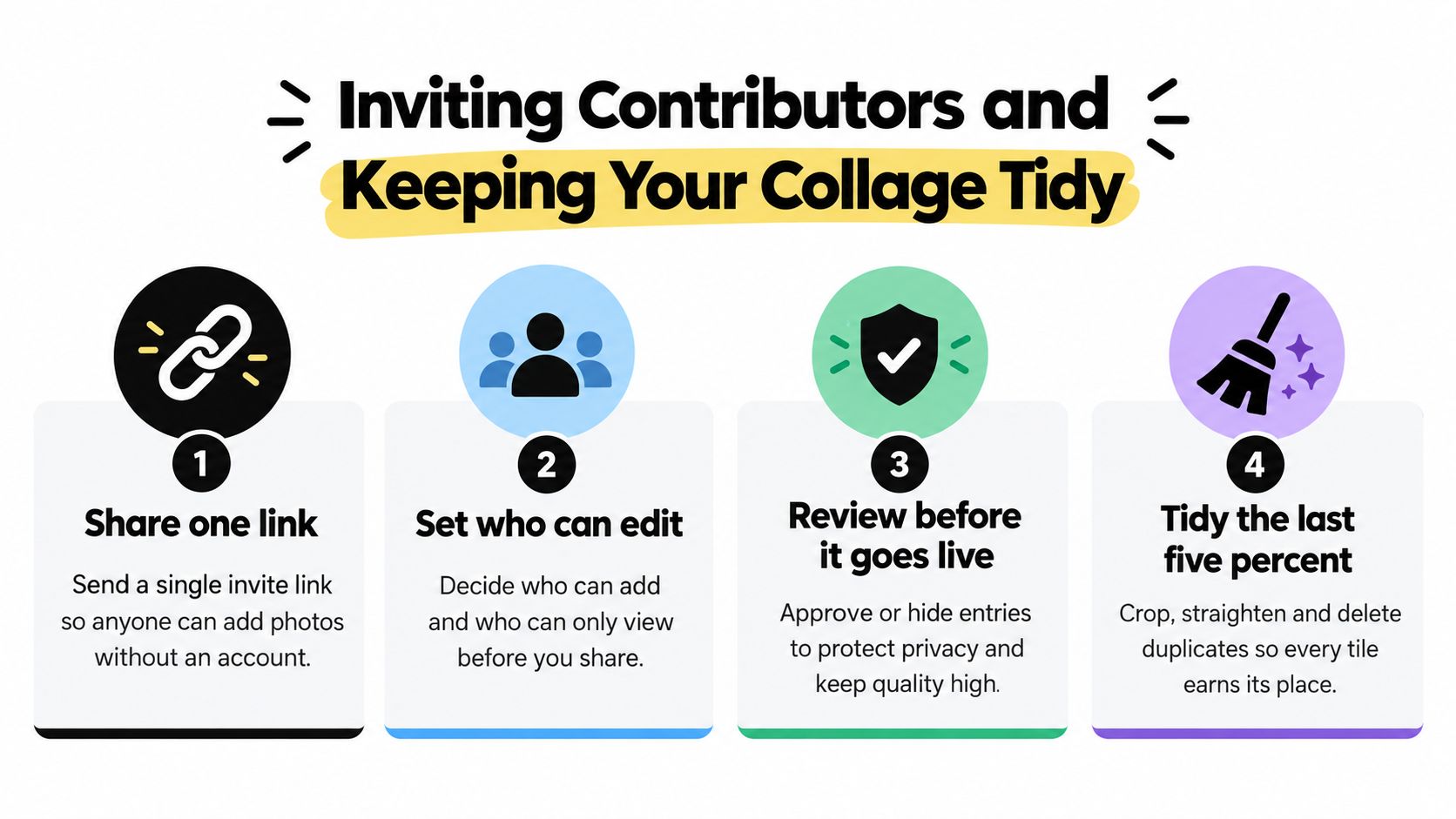
Accessibility belongs in the review too. Use readable text, sufficient contrast and captions that make sense without relying on the image alone. Avoid making participation depend on a high-end phone or a desktop editor. If someone can't contribute a photo, offer a text-only option rather than treating their message as less important.
The organiser also needs a stopping rule. Keep the board open long enough for different time zones, then close contributions before export. For larger groups, a separate coordinator can collect late submissions while the editor protects the approved layout. Advice on collecting group videos quickly can help when video is part of the contribution plan.
A tidy collage isn't created by limiting participation. It's created by separating contribution rights from final design responsibility.
Delivery is where digital and printed cards require different decisions. Choose instant digital delivery when the event is imminent, the recipient is remote or contributors are still finishing their messages. It avoids postal timing and lets the recipient open the card as soon as the organiser releases it.
Scheduled delivery works better when the card is a surprise or when the occasion has a fixed start time. It also creates a useful internal deadline. Contributors can add their material up to the review cut-off, while the organiser leaves enough time to check the collage before the card is released.
| Delivery choice | Best fit | Main trade-off |
|---|---|---|
| Instant digital delivery | Last-minute farewells, remote celebrations and urgent thanks | Less room for late edits once released |
| Scheduled digital delivery | Birthdays, planned announcements and surprise messages | Requires a firm contribution deadline |
| Downloadable keepsake | Recipients who want to save the finished card | Needs a final quality and privacy check |
| Printed delivery | Occasions where a physical object matters | Requires earlier planning for production and arrival |
Printed and downloadable formats answer different emotional needs. A printed photo collage card has a physical presence, while a digital card is easier to coordinate across countries and time zones. The right choice depends on whether the priority is immediate participation, postal presentation or long-term storage.
Before export, check the high-resolution version rather than relying only on the editing preview. Confirm that the cover is legible, videos play as intended, captions are complete and the recipient list is correct. A PDF or downloadable keepsake gives recipients a durable version they can store, while slideshow export can turn a collection of contributions into a more expressive presentation.
Firacard's Premium product information includes slideshow export, multiple recipients and scheduling, while bulk options support organisations coordinating recognition at scale. For a practical guide to timing an ecard, use this scheduling guide. Whatever format you select, keep the exported file with the occasion and recipient name so it can be found later.
The same coordination workflow can support very different occasions. A remote team might use a farewell template with a strong cover photo, short messages and a final group image. A school could create a thank-you collage where each pupil contributes a drawing, photograph or sentence. A family may prefer a milestone design that follows one person or event through a sequence of memories.
For a leaving occasion, browse Firacard's farewell cards and keep the brief simple: one meaningful image, one specific memory and one good wish. For organisations handling several departments or classes, bulk group greeting cards can support a repeatable process with shared deadlines and review ownership.
Birthday cards need a different balance. A birthday ecard can combine a cover portrait, candid photos, GIFs and short video messages without forcing every contributor into the same style. An ecard birthday workflow works particularly well when friends or colleagues are spread across countries and can't pass around a physical card.
Before delivery, run this final privacy and quality check:
A well-run collage is more than a collection of uploads. It gives people a low-friction way to participate, gives one organiser control over quality and gives the recipient a personalized ecard that feels made by the whole group.
Create your next photo collage card by choosing a clear occasion, inviting contributors with one simple link and setting a firm review deadline. Visit Firacard to build, moderate and deliver a group card with photos, GIFs, videos and messages across distances.


Finding the right words for a 50th birthday can feel oddly difficult. You want to honour a major milestone without making the message sound like a
You've just heard that someone you care about has lost a parent. The funeral is approaching, friends are scattered across cities, and nobody w
You can have hundreds of friendly contacts and still feel unsure who would answer when life gets messy, so what makes a friendship good, and how ca